
AI Ad Design Tools Recommended: ComfyUI + GPT Image 2 Mainstream Workflow Practical Guide
In 2026, AI ad design has entered the ComfyUI node-based era, and GPT Image 2 has become the go-to model for image generation. This article details ComfyUI's core advantages, GPT Image 2 model features, and practical workflows for e-commerce ads and brand visuals. AI Ad Design services help businesses achieve end-to-end automation from creative concept to campaign deployment.
Why Has ComfyUI Become the Mainstream Tool for AI Ad Design?
ComfyUI (as of version v0.20.1) redefines AI workflows with its modular, visual node-based architecture. Compared to the "black box" operations of traditional tools, ComfyUI offers:
Complete Control: Each generation step is an independent node, with parameter adjustments precise to the pixel level
Intelligent Computation Optimization: Only re-executes changed branches, avoids redundant computation on resubmission, and VRAM requirements as low as 1 GB
Full Hardware Compatibility: Native support for NVIDIA/AMD/Intel and Apple Silicon, with domestic accelerator cards also compatible
Workflow Reusability: Save and load in JSON format; PNG/WebP files can be deserialized to extract original parameters
Core Advantages of the GPT Image 2 Model
As the benchmark model in the current image generation field, GPT Image 2 exhibits the following characteristics in ad design:
1. High-Precision Semantic Understanding
Significantly improved complex prompt parsing, supporting precise reproduction of multi-subject relationships, spatial layouts, and lighting details. Brand brief descriptions can be directly converted into high-quality visual concepts.
2. Native Text Rendering
Embeds highly readable Chinese and English text (slogans, brand names) directly into images, reducing the need for post-production Photoshop compositing. E-commerce poster headlines and promotional messages can be achieved in a single step.
3. Character and Scene Consistency
Series of images maintain coherent core elements, meeting the needs of multi-asset campaigns. Brand Visual Identity (VI) guidelines can be output consistently.
ComfyUI + GPT Image 2 Ad Design Practical WorkflowsBatch E-Commerce Product Image Generation
Load the GPT Image 2 model node
Input product descriptions and scene prompts
Connect a ControlNet node to lock the composition framework
Add an Upscale node to output print-quality high-resolution assets (supporting A3/A2 resolution)
Use Async Queue for unattended batch production
Load the GPT Image 2 model node
Input product descriptions and scene prompts
Connect a ControlNet node to lock the composition framework
Add an Upscale node to output print-quality high-resolution assets (supporting A3/A2 resolution)
Use Async Queue for unattended batch production
After one e-commerce team adopted this workflow, they produced 500+ product hero images per day during the 618 shopping festival, achieving a 10x efficiency improvement.
Intelligent Brand Poster Layout
Use GLIGEN nodes for pixel-level alignment of text placeholder areas and core products
Inpainting + Area Composition nodes for local retouching (changing model outfits, adjusting product angles)
LoRA training for brand-specific color tones and fonts to ensure VI guideline consistency
Dynamic Ad Video Conversion
ComfyUI supports open-source video model nodes such as Wan/LTX, as well as closed-source video model nodes like Seedance, Veo, and Grok. Static ad images can be converted into 3–10 second dynamic visual clips, combined with Audio models for background sound, to rapidly produce short-form feed video ads.

Mainstream Tool Comparison: ComfyUI vs Traditional Solutions
ComfyUI Advantages:
Node-based architecture supports complex workflow orchestration
Rich model ecosystem (fully compatible with Flux/Zimage/Ernie, etc.)
Open-source and free, with no licensing restrictions for enterprise deployment
API integration-friendly, compatible with Adobe/Figma/DSP platforms
Traditional Tool Limitations:
Midjourney: Black-box operations, uncontrollable parameters; requires paid subscription and depends on Discord
Stable Diffusion WebUI: Crude interface, disorganized workflow management; high VRAM consumption
Practical Recommendations for AI Ad Design Implementation
1. Model Selection Strategy
For ad layout and text control, it is recommended to prioritize testing GPT Image 2 or Flux pipelines, whose prompt adherence and composition stability outperform earlier SDXL.
2. VRAM Optimization Tips
Before batch rendering, add the startup parameter --use-pytorch-cross-attention or enable memory offloading strategies to avoid OOM crashes.
3. Copyright Compliance Considerations
The ComfyUI engine is GPL-3.0 open-source, but underlying models each have their own independent commercial terms. Before enterprise-level ad campaigns, verify the license restrictions of the corresponding models.
Industry Application Case
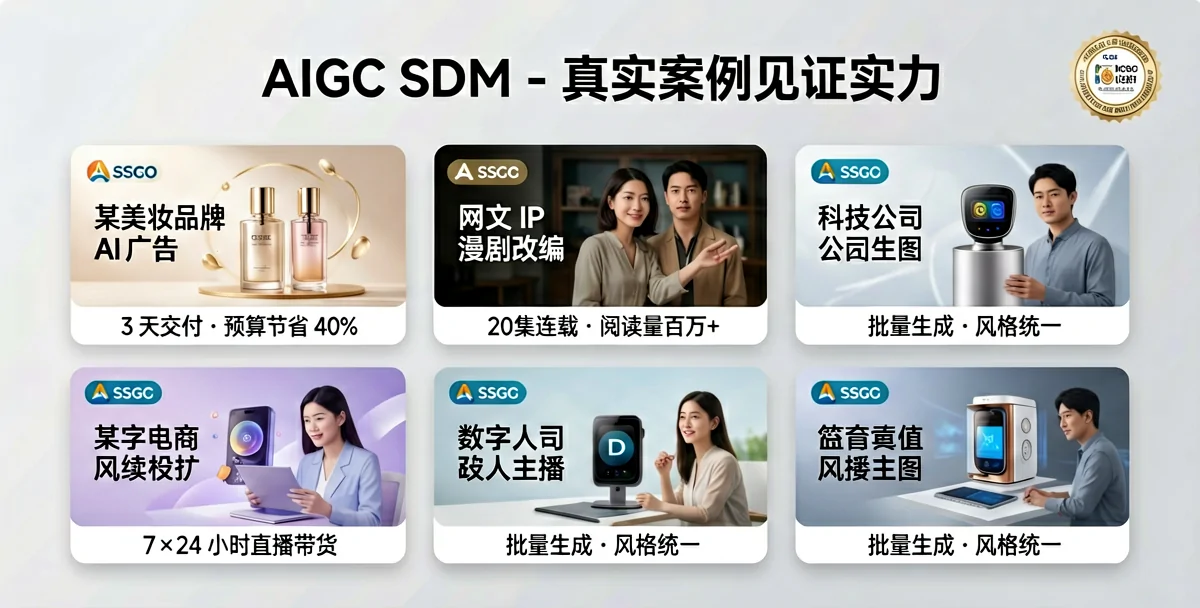
After a consumer goods brand introduced the ComfyUI workflow, their daily poster production cycle shortened from 3 days to 4 hours, with per-unit costs dropping by 75%. Campaign data showed that AI-generated assets had click-through rates on par with traditionally designed content, with some scenarios performing 8% higher.
Conclusion
The ComfyUI + GPT Image 2 combination represents the optimal solution for AI ad design in 2026: the node-based workflow provides industrial-grade control, while GPT Image 2 ensures generation quality. For brands and agencies pursuing cost reduction and efficiency gains, mastering this toolchain has become a core competitive advantage.
This article is based on ComfyUI official documentation (v0.20.1) and industry practice. Model license policies may be updated; please refer to the latest official releases.


